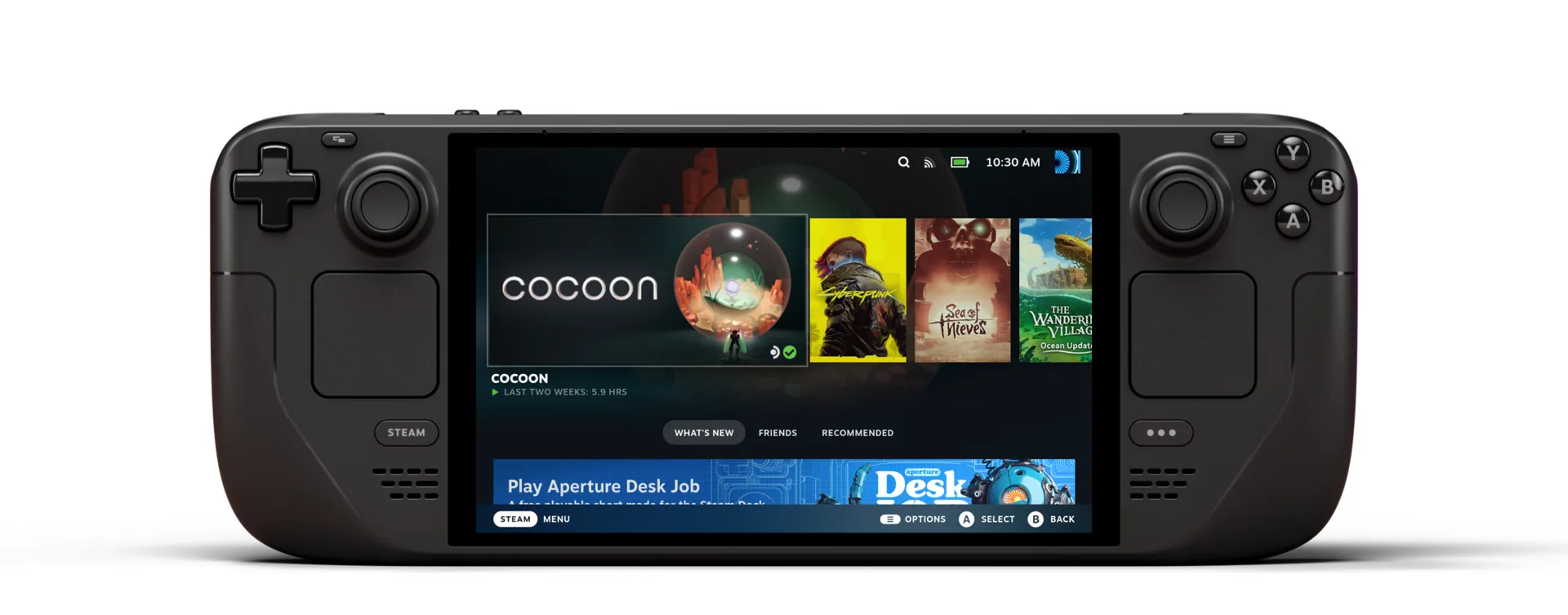
Valve shipped a new Steam Deck Beta Client update on July 10 , and the headline change has nothing to do with bug fixes — it's about what you see before you even launch a game. Steam Machine Verified ratings now show up right on the game capsule in Home, and on the game details screen, the same way Steam Deck compatibility badges already do.
What changed
The update, first spotted by Steam Deck HQ , bundles three separate changes:
- Steam Machine compatibility — Verified information now appears directly on game capsules in Home and on the game details screen, instead of being buried a click deep in the "Steam Deck Compatibility" panel.
- Remote Play — fixed incorrect mouse coordinates during input-only streaming, and fixed a very low refresh rate bug on some systems that was introduced in the previous beta.
- Steam Workshop — reworked the system that tracks which subscribed items need updating.
It's a natural follow-up to the June 30 client update , which reworked the Maximum Game Resolution setting and laid groundwork for Steam Machine support as the console started reaching doorsteps. This time, Valve is putting that compatibility data front and center rather than leaving it tucked away.
Why it matters
Steam Machine has been shipping since June 30, and the first wave of reviews largely agreed it's gorgeous hardware held back by an underpowered, memory-constrained CPU config. That makes per-game compatibility information more useful than ever — a Verified badge tells you at a glance whether a title is actually tuned to run well on the hardware you just paid over a thousand dollars for, without digging through a pop-up.
Not everyone is thrilled with how it rolled out, though. The badges are now visible to all Steam users, not just people who own a Steam Deck or Steam Machine, which some commenters on the Steam Deck HQ writeup complained turns every store capsule into visual clutter if you don't own either device. Whether Valve adds a toggle to hide the icons for non-handheld, non-Steam Machine owners remains to be seen.
For now, the update is Preview/Beta channel only — opt in from System Settings if you want to see the new capsule badges immediately, or wait for it to roll out to the stable channel.
Getting it
To try the new client:
- Open System Settings on Steam Deck (or Settings on desktop Steam).
- Set the update channel to Beta or Preview.
- Check for updates and restart Steam.
Games without any Steam Machine testing yet will simply show no rating, same as new releases sometimes do on Steam Deck before Valve gets around to certifying them.



No comments yet