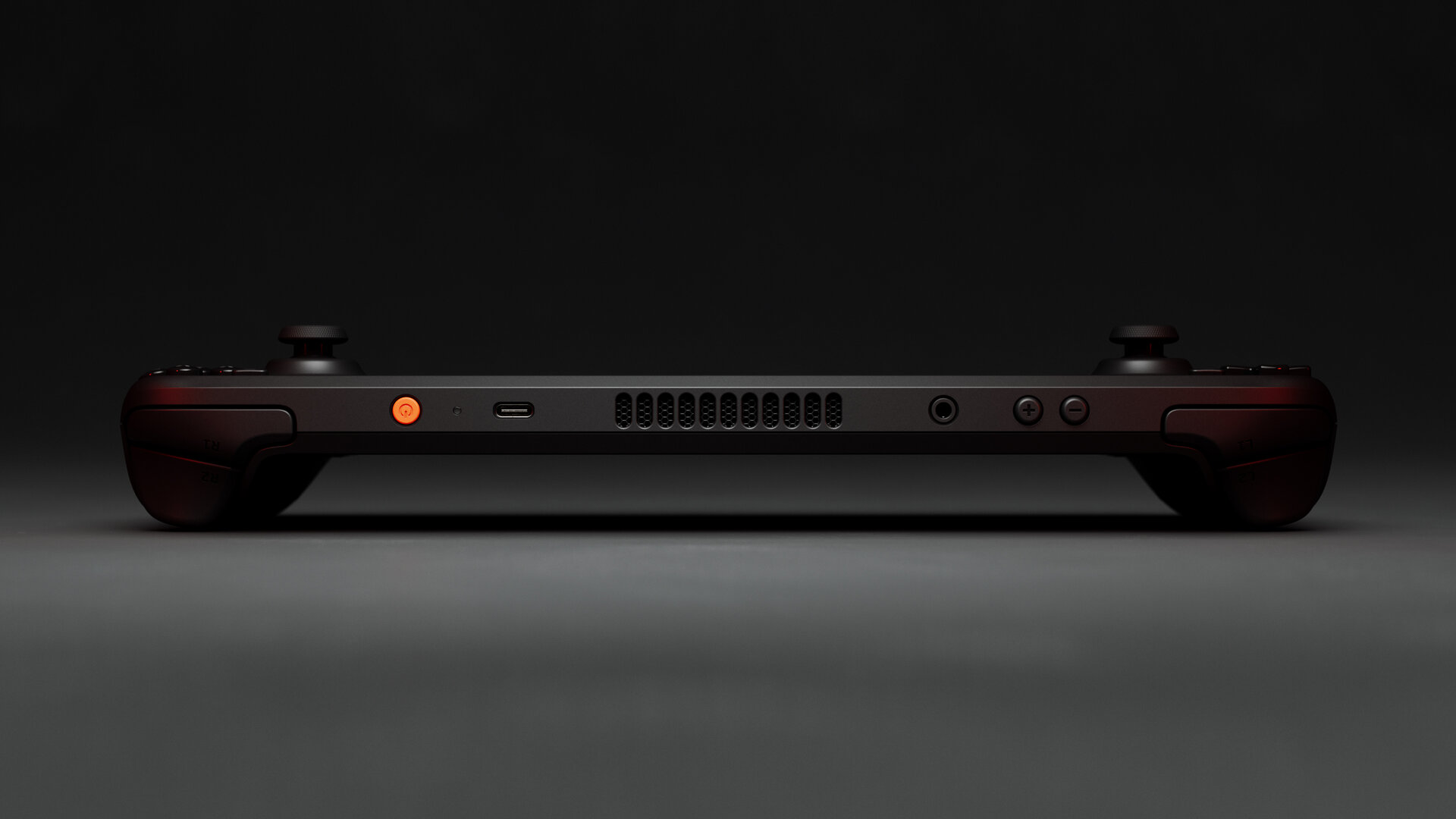
Valve shipped a new Steam Deck Client update on June 30, and while it isn't a headline-grabbing release, it quietly fixes one of the more confusing corners of the Deck's display settings — and adds another round of compatibility work for the Steam Machine, which is now shipping to the first wave of reservation holders.
The Maximum Game Resolution setting finally makes sense
The update's biggest change is where — and how — the Maximum Game Resolution option lives. It's moved out of Settings → Display → Advanced and up into the main Settings → Display menu, which makes it far easier to find for anyone trying to cap a game's render resolution to save battery or hit a steadier framerate.
The setting itself got smarter too. The available resolution options are now generated based on your current display's aspect ratio, so if you're docked to an ultrawide or a non-standard TV, you'll see options that actually match instead of a generic list. Additional choices are tucked under a "More options" toggle to keep the main list from getting cluttered. And if every available option already matches your display's native resolution, Valve now just hides the dropdown entirely — one less setting to second-guess when it isn't doing anything useful.
There's also a new safeguard on the game launch screen itself: if the Maximum Game Resolution setting causes a game to run below your display's native resolution, a note now appears on the loading/progress screen to tell you so. It's a small thing, but it closes a real gap — plenty of players have spent time troubleshooting "why does this look soft" only to eventually realize a resolution cap they forgot about was the culprit.
Steam Machine compatibility work continues
The changelog also lists general "Steam Machine compatibility improvements" without going into specifics — consistent with how Valve has handled recent client updates as the console moves from reservations into actual shipments. The first batch of Steam Machine units began going out to reservation-queue customers on June 29 , so continued behind-the-scenes client work isn't surprising; Valve has strong incentive to keep smoothing rough edges as more of the console reaches real living rooms this week.
Why this matters if you're not chasing a Steam Machine
Even Steam Deck owners with no interest in the new console benefit here. The relocated resolution setting and the new native-resolution warning are pure quality-of-life wins for anyone who tunes render resolution to manage battery life or thermals on long play sessions — you no longer have to dig through an Advanced submenu to find it, and you'll know immediately if a game is quietly rendering under your screen's native pixel count.
You can grab the update now through Settings → System on your Deck; it should already be live or rolling out via the standard update check. As always with these client releases, if you don't see it immediately, a manual check for updates in System settings will usually surface it.
Full official changelog: Steam Deck Client 6/30/26 update, via Valve's Steam Community announcement post.
Nothing here is dramatic on its own, but it's the kind of steady client polish that's easy to miss and genuinely improves day-to-day use of the handheld — while Valve keeps one eye on the much bigger Steam Machine rollout happening in parallel.



No comments yet