Valve has built a custom version of AMD's FSR 4 upscaler directly into Proton Experimental, and — unlike most Proton leaks — this one is already confirmed working on real hardware. On any Windows game that already supports FSR 3.1, switching to Proton Experimental now auto-upgrades the upscaler to FSR 4.1.1, with no manual DLL swapping and no third-party plugin required.
What Valve actually shipped
The change first surfaced on June 22 when leaker Brad Lynch spotted a new FSR 4 DLL bundled into a Steam depot, tweeted about it, and had the finding corroborated by VideoCardz. What made this version notable from the start is that it isn't AMD's original RDNA 4-only FSR 4 — it's a variant built to also run on RDNA 3 and RDNA 3.5 silicon, the generation used in hardware like the ROG Xbox Ally X and, critically, Valve's own Steam Machine.
Confirmed working, not just leaked
Two days later, Valve developer Pierre-Loup Griffais confirmed the feature directly, posting on Bluesky that "FSR4 for discrete RDNA3 GPUs and Steam Machine is now available for Linux/SteamOS through Proton Experimental." GamingOnLinux readers tested it the same day and verified it in practice: on a Radeon 7900 XT, both Horizon Zero Dawn Remaster and Stalker 2 — both FSR 3.1 titles — rendered with FSR 4.1.1 after switching to Proton Experimental, confirmed via the upscaler's watermark overlay rather than just the in-game settings menu (which, in at least one case, still displayed "FSR 3" even though the actual render path had switched).
Which hardware qualifies today
This build targets discrete and semi-custom RDNA 3 and RDNA 3.5 GPUs specifically — not the RDNA 4 cards FSR 4 originally shipped for. That distinction matters because it lines up with a very specific piece of upcoming Valve hardware.
Why the timing lines up with Steam Machine
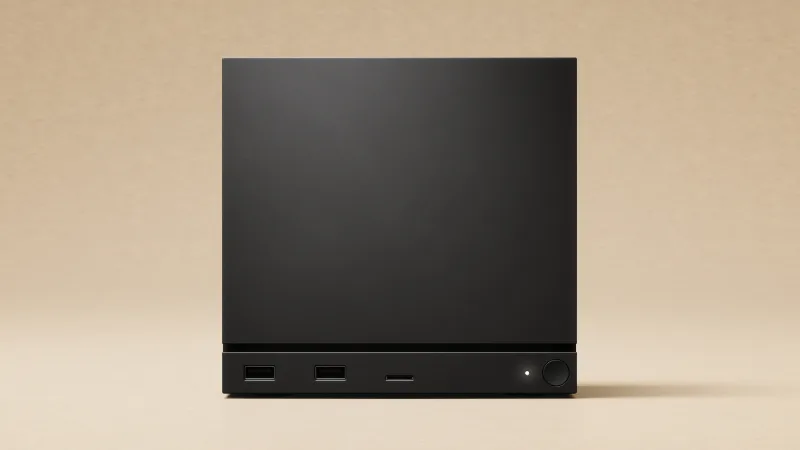
Valve's Steam Machine began shipping to reservation-lottery winners on June 30 , running a semi-custom RDNA 3 GPU under the hood. That's the exact architecture this new Proton Experimental build targets, which means Steam Machine owners can enable the beta compatibility layer and get an automatic upscaler upgrade across their existing FSR 3-supported library without touching a launch option or installing a workaround. Steam Deck HQ noted the DLL was clearly tuned to make this as close to a one-click upgrade as possible, rather than requiring the file-swapping process FSR 4 injection has historically demanded on PC.
Steam Deck owners: not yet, but there's a workaround
The Steam Deck's own APU is RDNA 2-based, so it falls outside what this Proton Experimental build currently supports — Valve hasn't given a timeline for extending coverage down to that architecture. Community members with RDNA 3-based integrated graphics, such as the Ryzen Z1 Extreme found in several rival handhelds, have already reported manually forcing the upgrade using the OptiScaler tool and a Proton-EM nightly build, but that route still involves copying a DLL into a game's compatibility prefix by hand — a meaningfully rougher process than what RDNA 3 dGPU owners now get automatically.
How to try it
Anyone with qualifying RDNA 3 hardware can test this now: search your Steam library for "Proton Experimental" to make sure it's installed and updated, then set an FSR 3.1-supporting game's compatibility tool to Proton Experimental via its Properties menu. No launch options or file edits are needed — if the game already exposes an FSR toggle, the underlying version should already be 4.1.1. Given that this is still a Proton Experimental build rather than a stable release, expect some inconsistency: not every title's in-game menu will accurately report which FSR version is actually running.



No comments yet