
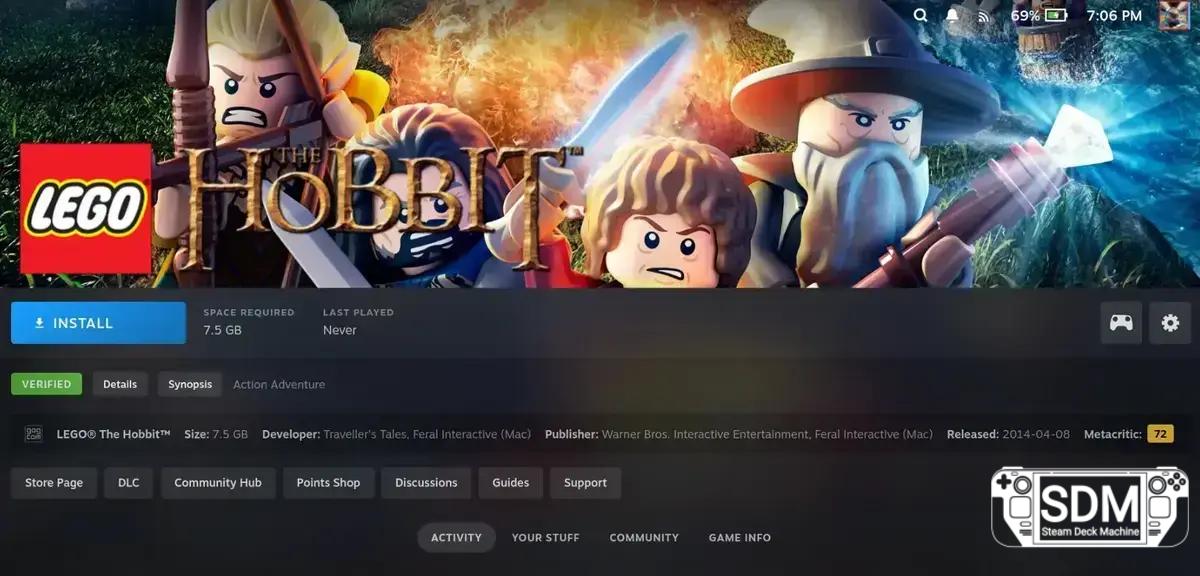

New Unifideck update brings a custom install button, offline support for Epic, and other improvements to facilitate gaming outside the Steam Deck.
The Steam Deck user community gains another option for managing third-party games: Unifideck, a Decky Loader plugin that aggregates titles from Epic Games, GOG, and Amazon into the Steam Deck library.
Neste artigo
Key Features
- A layout with a custom install button appears on the page for each game installed via Unifideck, in addition to details about the source store and Metacritic score.
- The interface now resembles the default pages, keeping strategic information highlighted and simplifying the install action.
Furthermore, the update brings a language selector for GOG games (when supported) and allows Epic titles to run offline without issues. The plugin now respects the Proton version set in the compatibility tab and includes a beta feature to support Steam account switching.
How to Update
The update must be installed manually via Desktop Mode. Download version 0.5.4 of Unifideck from the GitHub release and extract the unifideck.prod.v0.5.4.zip file. Then, return to Game Mode, open the Decky Loader developer tab, and install the new package from the ZIP file. If an old version exists, it will be automatically replaced. Alternatively, still in Desktop Mode, move the Unifideck folder to the homebrew/plugins folder and replace the old one.
Requirements
To use Unifideck, the Decky Plugin Framework is required. If you don't have it yet, there is a guide to get everything working.
Noah Kupetsky has been a gaming enthusiast since his childhood, now following the industry with a focus on handheld and PC gaming. With the Steam Deck, he found a convergence that fuels his reviews.
Steam Profile
We use cookies on our website to offer you the most relevant experience, remembering your preferences and repeat visits. By clicking "Accept", you agree to the use of ALL cookies. Do not sell my personal information. Cookie Settings
If you have any questions or want to comment on the update, leave your opinion below.
Now we want to know: which feature from this update will you test first on your Steam Deck? Leave your comment below.
Veja mais artigos como Unifideck Update Brings Custom Install Buttons and Offline Support to Steam Deck na categoria News.
Stock Alert: Steam Deck Runs Out of Stock in Europe, Joining US, Canada, and Asia

Demon Tides surprises as a 3D platformer, with dynamic moveset and Steam Deck adjustments
A Major Flaw in the Steam Deck Returns to the Spotlight During Next Fest
RAM Crisis Affects Steam Deck OLED: Unstable Stock, LCD Discontinued, and Steam Machine Delayed

Free games arrive on Steam Deck and handhelds: see what you can redeem before the deadlines
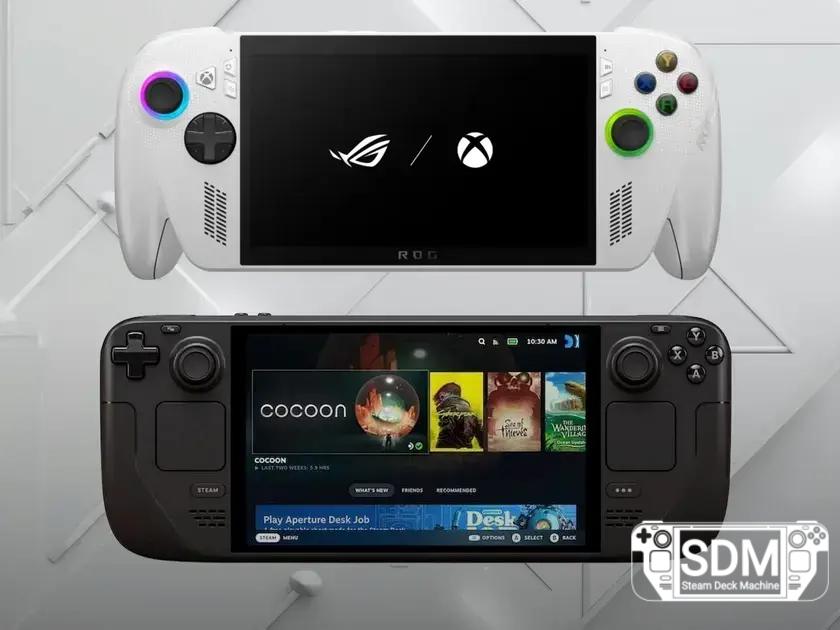
ROG Xbox Ally stalls: Steam Deck remains on top among handhelds