



If you play The Witcher 3 on the Steam Deck, you have probably noticed the challenge: the Next-Gen update brought incredible visuals but weighed heavily on the hardware. The solution? The Eclipse Mod and precise technical configuration.
The transition of The Witcher 3: Wild Hunt to Valve's handheld is a technical achievement, but the v4.0 (Next-Gen) version introduced CPU bottlenecks that the Steam Deck struggles to overcome natively. This guide dissects the Eclipse Mod and advanced upscaling techniques to transform your experience, moving from constant stutters to fluid performance, whether aiming for the "Golden 40" or the coveted 60FPS+.
***
## The Problem: Next-Gen vs. Steam Deck Hardware
Before applying the mod, it is crucial to understand the scenario. The Steam Deck operates with a limited TDP (power budget) of 15W. The Next-Gen update, especially on DirectX 12, creates a CPU bottleneck, not a GPU one. This means lowering the resolution does not solve the stutters.
To bypass this, we will use the Eclipse Mod (part of the "Deck Madness" suite), which focuses on deep engine optimizations, such as the culling (removal) of invisible shadows and reducing the logic for distant NPCs.
***
## Step 1: BIOS and System Optimization (Mandatory)
For any "Eclipse" or "Extreme" configuration to work, you need to prepare the ground at the system level.
### 1. Increasing VRAM (UMA Buffer)
The Witcher 3 Next-Gen uses high-resolution textures. The Deck's default setting (1GB) is insufficient.
* **How to do it:** Turn off the Deck > Hold Volume + and press Power > Enter the BIOS > **Setup Utility** > **Advanced** > **UMA Frame Buffer Size** > Change to **4G**.
### 2. API Choice: DX11 or DX12?
This is the most important decision:
* **DirectX 11:** Recommended for **battery life and stability**. It offers 15 more FPS on average and eliminates stuttering. Ideal for the 40 FPS goal.
* **DirectX 12:** Mandatory if you want to use **FSR 4.0.2, Frame Generation, or DLSS Wrappers**. However, it suffers from menu freezing (Inventory Freeze), which can be mitigated by using **GE-Proton 8-14** or newer.
***
## Step 2: The "Eclipse" Configuration (Best Graphics x Performance)
The secret of the Eclipse Mod is enabling "Hybrid" settings: Ultra textures, but Low background processes.
### Profile 1: The "Golden 40" (Perfect Balance)
Ideal for LCD Steam Deck (40Hz) or OLED (45Hz/90Hz). Focuses on eliminating stuttering.
| Graphic Setting | Recommended Value | Technical Reason |
| :--- | :--- | :--- |
| **API** | DirectX 11 | Maximizes CPU utilization |
| **Anti-Aliasing** | FSR 2 (Quality) | Best native sharpness |
| **Texture Quality** | High / Ultra | Safe with 4GB Buffer |
| **Shadows** | Medium | Avoids frame drops in forests |
| **Grass Density** | **Low** | The biggest FPS gain in the game |
| **Water Quality** | Medium | Depth without GPU cost |
| **SSAO** | On | Essential for visual depth |
| **Reflections (SSR)** | Low / Off | Saves up to 30% of GPU power |
> **Pro Tip:** Setting grass to "Low" is essential. The Eclipse Mod helps, but vegetation density is what kills the battery the most on the Deck.
### Profile 2: Eclipse "Extreme" (60-90 FPS with Frame Gen)
This profile is for those who own the **Steam Deck OLED** and want to use modern technologies like *Lossless Scaling* or *OptiScaler*.
| Graphic Setting | Recommended Value | Technical Reason |
| :--- | :--- | :--- |
| **API** | DirectX 12 | Required for Upscaling Mods |
| **Upscaler** | FSR 4.0.2 (via OptiScaler) | Best image reconstruction |
| **Texture Quality** | Ultra | Takes advantage of the OLED screen |
| **Grass Density** | High | Possible thanks to the mod's *Shadow Culling* |
| **Motion Blur** | On (Low) | Masks Frame Gen artifacts |
| **Chromatic Aberration** | Off | Removes blurring, cleaner image |
| **Bloom** | On | Minimal impact, excellent visual |
**The Magic of Frame Generation:** By using DX12 with tools like *Lossless Scaling* (LSFG), you can cap the game internally at 30 or 45 FPS, and the software generates intermediate frames, delivering a feeling of **60 to 90 FPS**. On the OLED model, syncing 45 FPS (base) with 90Hz (screen) creates impressive fluidity.
***
## Step 3: Installing the Eclipse Mod on Linux (SteamOS)
Unlike Windows, the Steam Deck requires specific steps due to the Proton file system.
1. **Desktop Mode:** Go to the Steam Deck's Desktop mode.
2. **Necessary Tools:** Install **Q4Wine** and **Flatseal** via Discover.
3. **Permissions:** Use Flatseal to grant "All System Files" permission to Q4Wine.
4. **Symlinks (The Trick):** The game does not easily read mods in the default Linux folder. You must create a symbolic link between the Proton prefix documents folder (compatdata/292030/pfx/.../Documents) and your /home/deck/Documents folder.
5. **Script Merger:** **Essential.** The Witcher 3 does not accept multiple mods altering the same .ws file. Download *Script Merger*, run it via Q4Wine within the game's same Proton prefix, and resolve conflicts by prioritizing the **Eclipse Mod** code over weather or lighting mods.
***
## Benchmarks: What to Expect?
With the Eclipse Mod correctly applied and the above configurations:
* **Novigrad (City):** From 28 FPS (Native) to **Solid 40 FPS** (DX11 + Eclipse).
* **Velen Swamps:** Almost complete elimination of texture loading *micro-stutters*.
* **Toussaint (Blood & Wine):** This area is heavy. The mod maintains stable 40 FPS where the stock game would drop to 25 FPS due to lighting complexity.
***
## Is it worth it?
Absolutely. **The Witcher 3 Wild Hunt Eclipse Mod** is not just a visual change; it is a re-engineering of how the game allocates resources on the Steam Deck.
If you prioritize battery life and a "pick up and play" experience, use the **Golden 40 Profile in DX11**. If you want to push the console to its limits and see next-gen visuals on handheld, the **Extreme Profile in DX12 with FSR 4/OptiScaler** is the path of the future.
[YouTube Video Embed]
**Recommended Settings:**
* **BIOS:** UMA Buffer 4GB.
* **Launch Options:** DX11 for stability, DX12 for Frame Gen.
* **Grass:** Low/Medium.
* **Textures:** High.
* **Vital Tool:** Script Merger.
Ready to hunt monsters with full fluidity? Apply these configurations and good hunting on the Path.
Veja mais artigos como The Witcher 3 Wild Hunt Eclipse Mod Steam Deck: Definitive Guide for 60FPS and Best Settings na categoria Games.
PlayStation announces Stellar Blade Cosplay Contest with official prizes; video with model impresses

Cyberpunk 2077 Eclipse Mod Steam Deck: 60FPS and 4K Without Stuttering
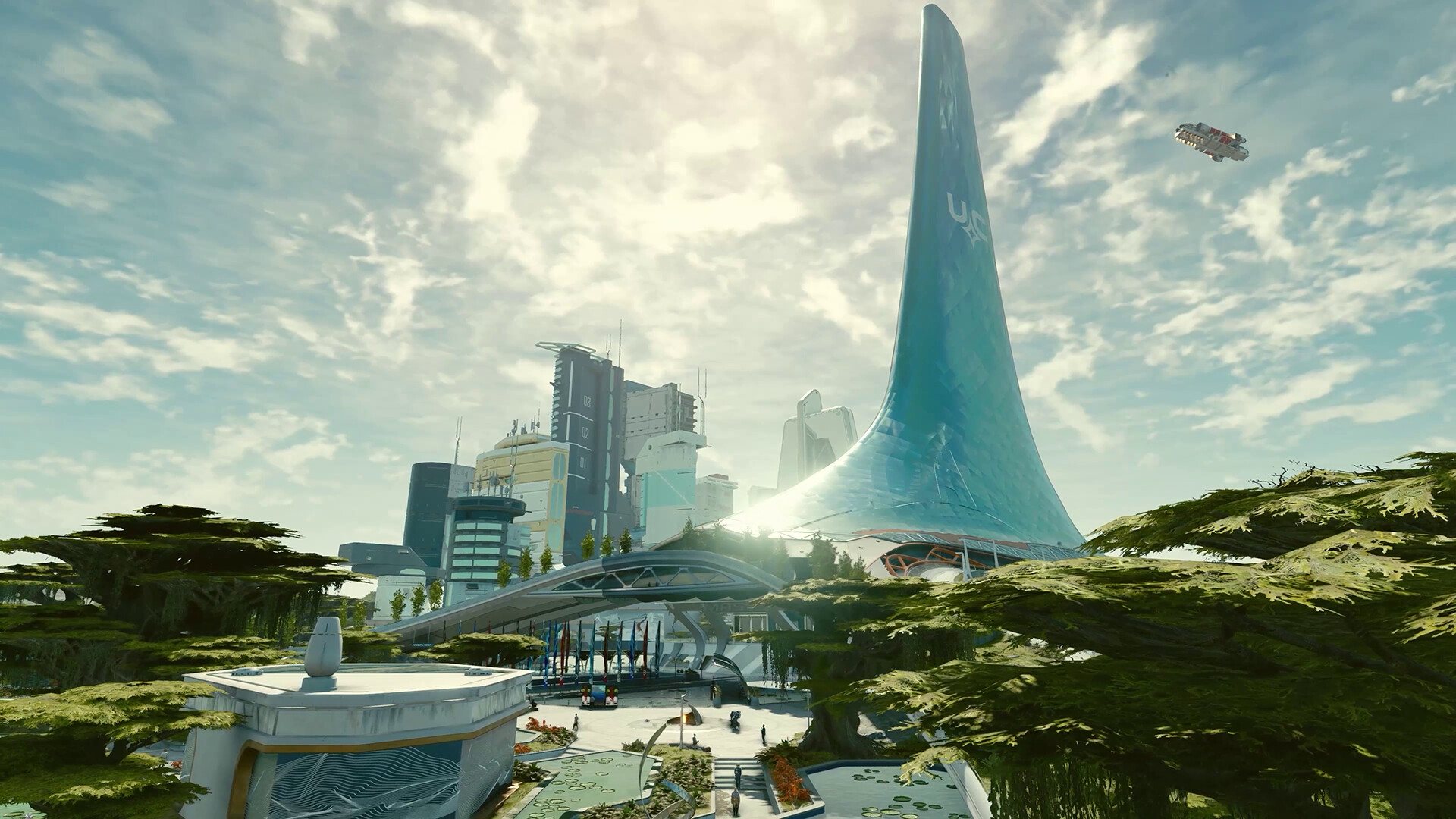
Steam Deck Eclipse Mod: What It Is, How to Use It, and Which Games Are Compatible
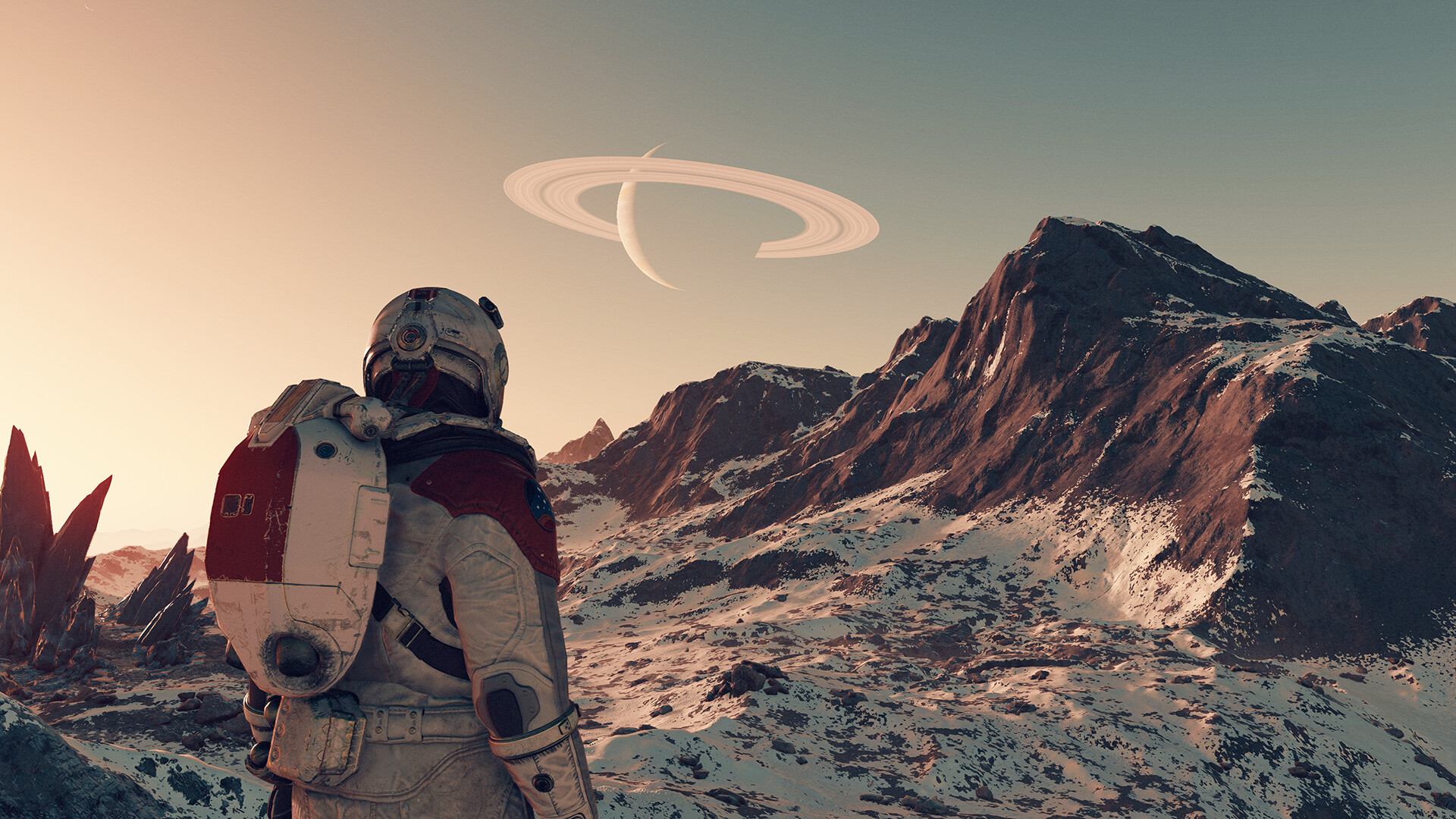
Starfield Steam Deck Performance: Eclipse Mod + Best Settings
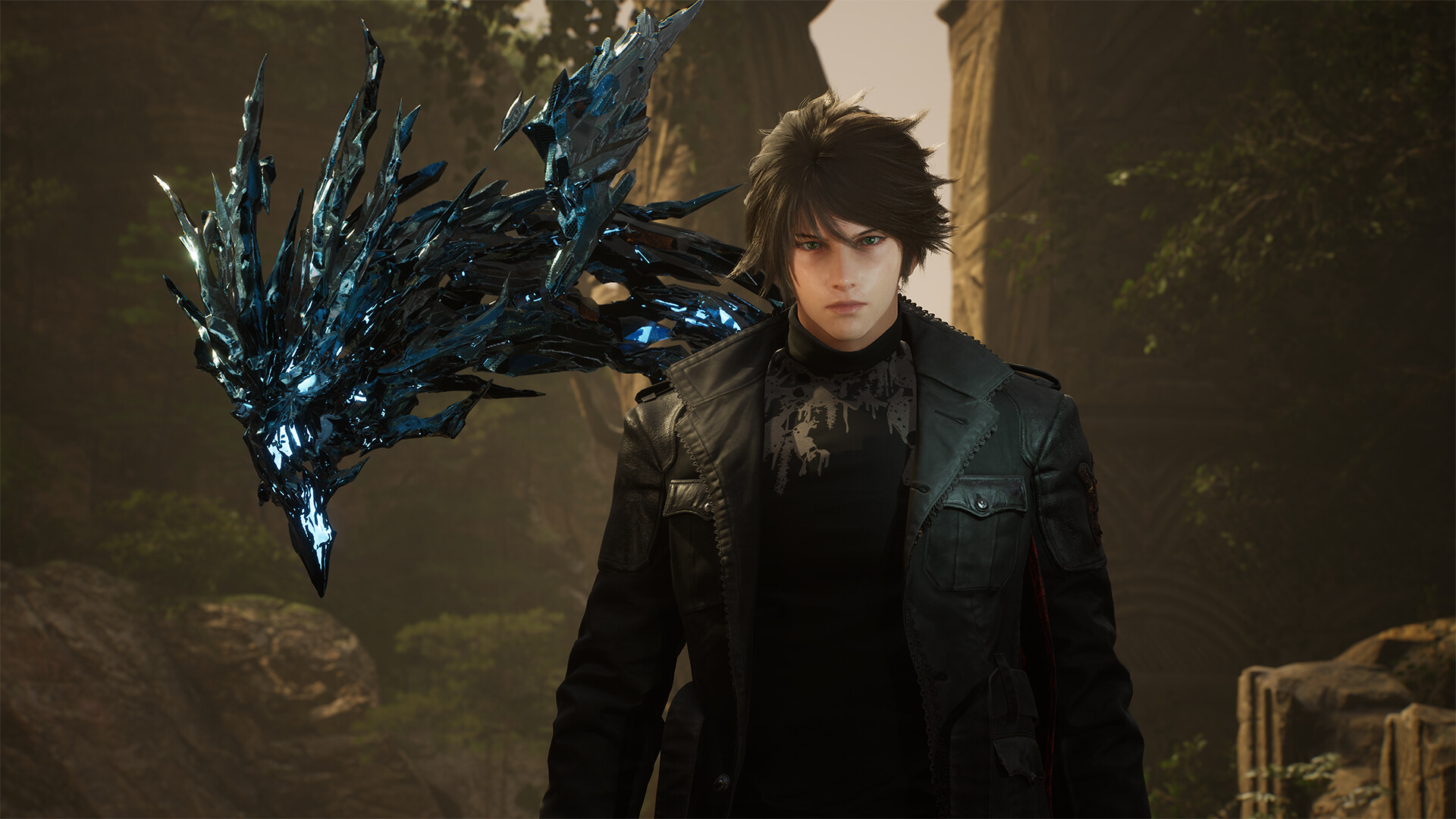
Does Lost Soul Aside Run Well on Steam Deck? The Definitive Setup Guide

ARC Riders Steam Deck: How it Runs and Best Settings